Maybe nobody else needs a note to remember how to update an event in a M365 Group Calendar, but I do. And since I do, I figure it's worth documenting it here.
This week, I've had to go back to the basics - but with a twist. I ran into an issue with Copilot Cowork where it was failing to update output documents. And the fix was TRULY a classic one! Anyway - read on to have a laugh. Or maybe weep with me.
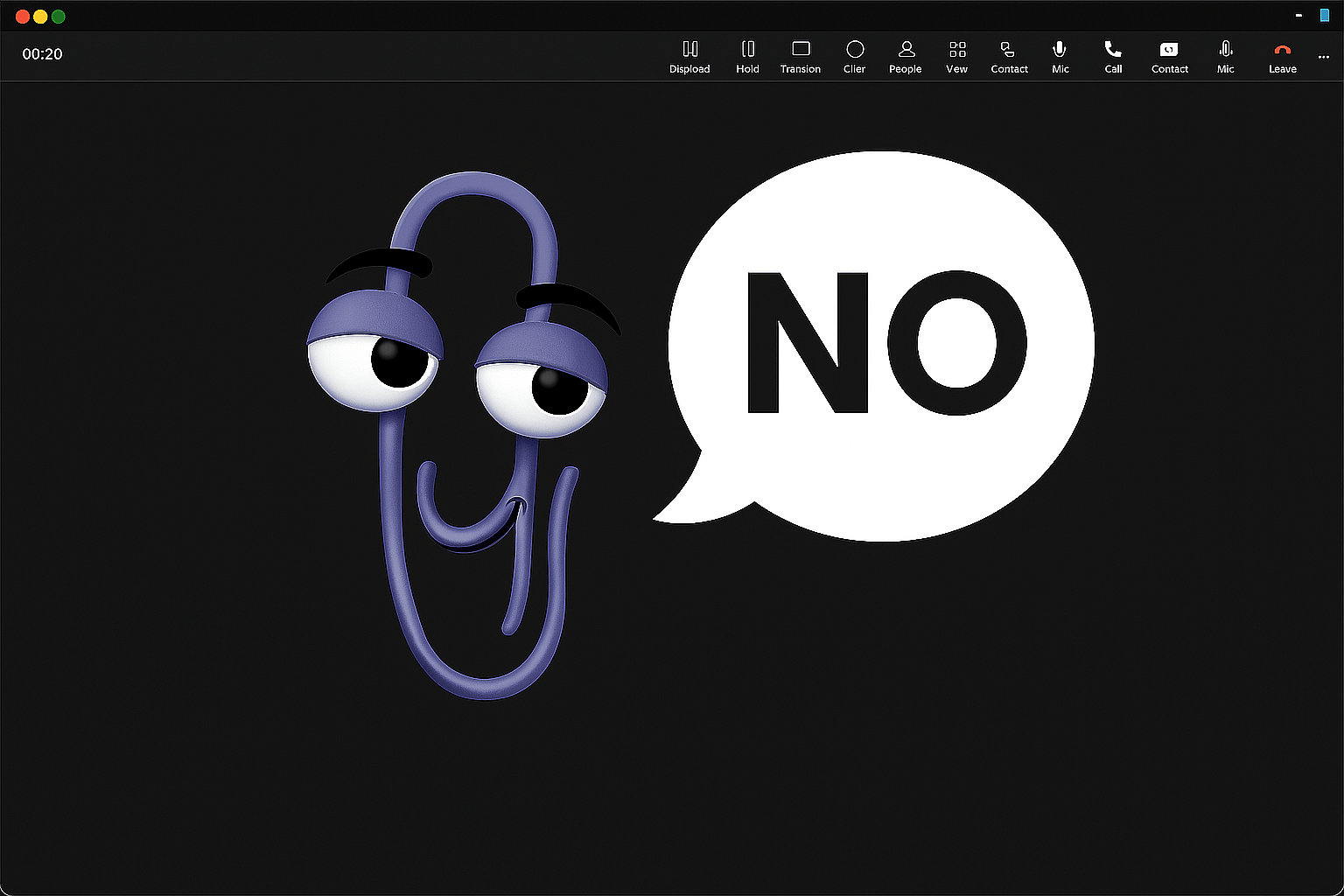
In this week's article I'm sharing some of my experience with installing Copilot Studio Agents in Microsoft Teams. Namely, how to install them even when Teams says "no".
This article explores the problematic task of adding an online calendar to New Outlook (NEW), and how to work around the issue by using Outlook on the web (OWA) instead.
Yesterday, Microsoft announced the next big steps in their, I mean, everyone's AI journeys in the M365 space! Namely, we now know that Agent 365 is going to cost $15/user/month.
This article is my love letter to the 25-year-old workhorse in the Microsoft ecosystem - SharePoint. Let me take you on a wild ride through my personal journey and love-hate relationship with SharePoint!
Did your Frontier Office Agents vanish without a trace? Don't panic—you're not alone. Many Microsoft 365 users have experienced the frustration of losing access to their custom Frontier Agents. The good news? They're not gone for good.
This is not my typical blog post, where I introduce a problem, talk a little bit about the background, dive in to the technical stuff, rant for a while and then explain how to get around the issue (or even fix it!
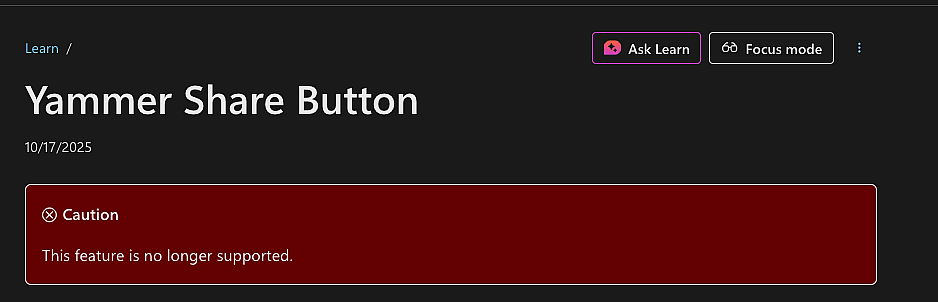
This article explains what happened to the "Share to Yammer" button, which was discontinued at the end of Q2 2025, and what you can do now. The historical context Yammer was acquired by Microsoft in 2012.
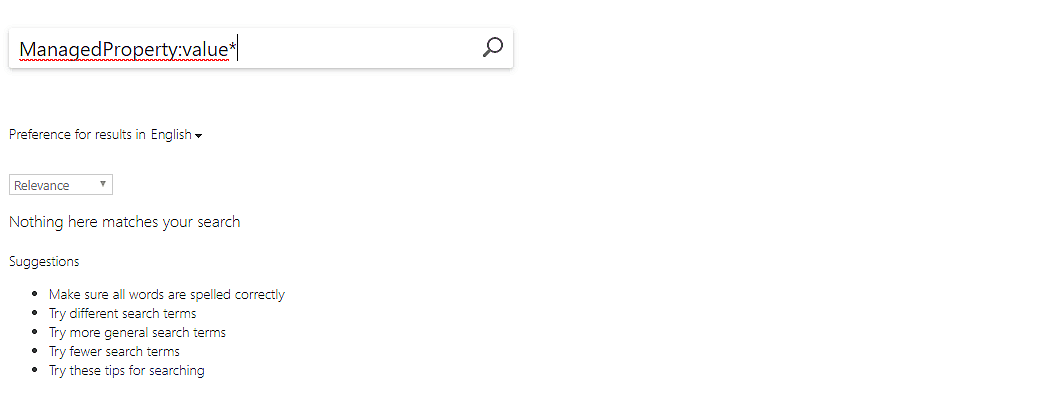
In this article, I'll get back to basics of KQL in SharePoint Online's Search Service, and explain how to target a Managed Metadata term and its children.
In this article, I'm complimenting Microsoft on making a fantastic app, after which I'll have the questionable pleasure of announcing that the app is going away.
This article explains a fix to an annoying issue, where OneNote sync randomly breaks. Yes - another one of those! This time, it's probably one of the earlier issues again, but coming back with a different error message. For whatever reason...
This article explains how to commit a crime so heinous Steve Jobs would throw a backflip in his grave: start using Outlook as the default mail app on your mac.
This article explains how to "fix" (I use that word very loosely here) your OneNote when it suddenly goes bonkers, losing all of the controls and becoming this weird floating ancient thing that the boomers used to call "sticky notes&qu...
Struggling to transfer tables from Excel to Microsoft Loop? Weirdly enough, you’re not alone. In this wonderful world of ours, simply copying and pasting often turns your perfectly organized rows and columns into an illegible blob.
This article explains how to enable Web Search for Microsoft 365 Copilot, when Copilot for Microsoft 365 thinks it's disabled for whatever reason. But fear not!
This article explains how to untangle Excel when a worksheet file is conflicted and upload-blocked beyond salvation, thanks to a little demon inhabiting your computer. Don't believe me?
This article explains a solution to a puzzling problem, where you might be the owner of a SharePoint site and have all the imaginable permissions on a Document Library, but still be unable to share a single item, let alone a folder with edit permissi...
This article explains briefly and straightforwardly (and in a frustrated tone, the reasons of which you might already know) how to install the Classic Microsoft Teams for Business client, instead of the "new" client.
This article explains how to easily(?) restore the description (or any other field) of a Trello card. This might come in handy, and the UI for this isn't exactly obvious (read: it's nonexistent).
In this particular article, I'll explain how to fix an issue where Microsoft Word (part of what used to be called "Microsoft Office", but that's now called "Microsoft 365") decides to remove your name and everyone you tagged from ...
This article explains how to use some archaic PowerShell magic to configure a custom 404 page for your Modern SharePoint Online Communication site. If you've been working with SharePoint for a while, this property might be already familiar to you.
This article explains how you can apply formatting and styles from a Microsoft Office Word Document Template (.dotx) to your already existing Word Document (.docx).
This article explains an annoying extra step (or a really nifty trick - depending on how you choose to look at it!) that you can take to make sure your PowerShell 7 is able to import a module that was developed for .NET Framework, instead of .
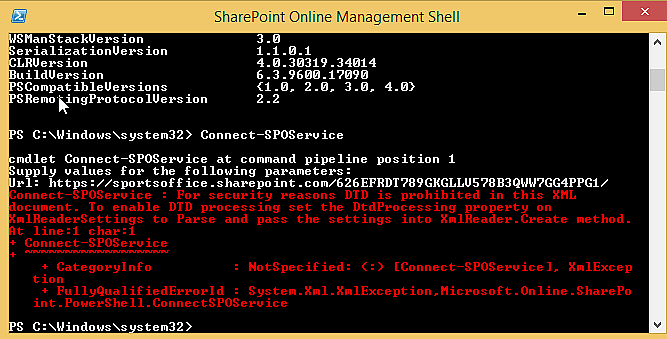
Whilst running some SharePoint Online PowerShell commandlets, or connecting to a SharePoint Online site from your app, you get the following (or similar) error about your SharePoint Online credentials being unauthorized for something you should defin...
This article will document a super simple solution to an infuriating and stupid issue you might run into in Microsoft Office Word. Or maybe you might not, but I did.
This article explains how you can export a Microsoft Power Automate Flow from, well, Microsoft Power Automate, and nicely and easily import it to Azure Logic Apps.
This article explains a kind of weird fix to a pretty annoying issue with a legacy service. And I'm not just calling it legacy because it's WCF - I'm calling it legacy because it's old.
So, I tried to paste a table from Excel into WordPress, and I failed. Annoying - but not a big problem. I can just paste it into an existing table and it'll "sort itself out", right? Well, no.
Another day, another fun little task in SharePoint Online... :) This time, I needed to be able to migrate 10 or so lists with some very specific fields and plenty of content from one site to another one. What's the best way to do that now?
This article explains how to access the Site Collection App Catalog in SharePoint Online. I mean - yeah, I had to google it after getting back to SPFx dev stuff after a while and realized the first few results were useless. Of course.
This article explains how to fix an issue when updating a module in PowerShell. The error is something along the lines of: " System.InvalidOperationException: PowerShell Gallery is currently unavailable. Please try again later.
This article explains how to get rid of sudden and unexplainable 401 Access Denied errors when trying to authenticate against a fairly fresh Microsoft 365 / SharePoint Online tenant.
This topic seems to be on everyone's mind right now: SharePoint Home Sites. They're finally rolling out (again). Or maybe even rolled out, in case this article ends up late in my publishing queue! But what are they?
Writing this in a country under lockdown, it feels like every single conference in the world has either been canceled or switched to being online-only. And right now, that's definitely for the best!
As Teams adoption grows (partially driven by the megatrend of digitalization, partially by the massive surge in working from home due to Covid-19), different problems managing Teams also become more obvious.
While this post will mostly be about the highly topical migration from Office 365 Video to Microsoft Stream, there's also a fair amount of rambling about Microsoft's partner strategy and a bit of history included.
This article explains one possible fix to a situation, where your pictures in WordPress fail to show up. In this particular case, uploading, editing and even selecting pictures for your articles works - just displaying them doesn't work.
This post describes a couple of useful solutions or workarounds for an awkward situation, where you can't manage the metadata of your articles on WordPress.
So the interesting news is not over - Microsoft recently announced that their personal blogging platform for Office 365, Delve Blogs, is getting retired. Now it turns out Classic SharePoint blogs are also getting cut.
You might've heard the news - Delve Blogs are on the way out, leaving your users without a blogging platform on Office 365, and their data homeless. And by homeless, I mean deleted pretty soon. And by pretty soon I mean really soon.
The news is out - Delve Blogs will be axed, leaving your users without a blogging platform on Office 365, and their data homeless. And by homeless, I mean deleted. Might be a good time to start thinking about storing it somewhere else instead!
Last week, Microsoft sent a surprise email to a number of customers. Delve blogs - the hated & loved self-serve internal blogging platform on Office 365 is getting axed.
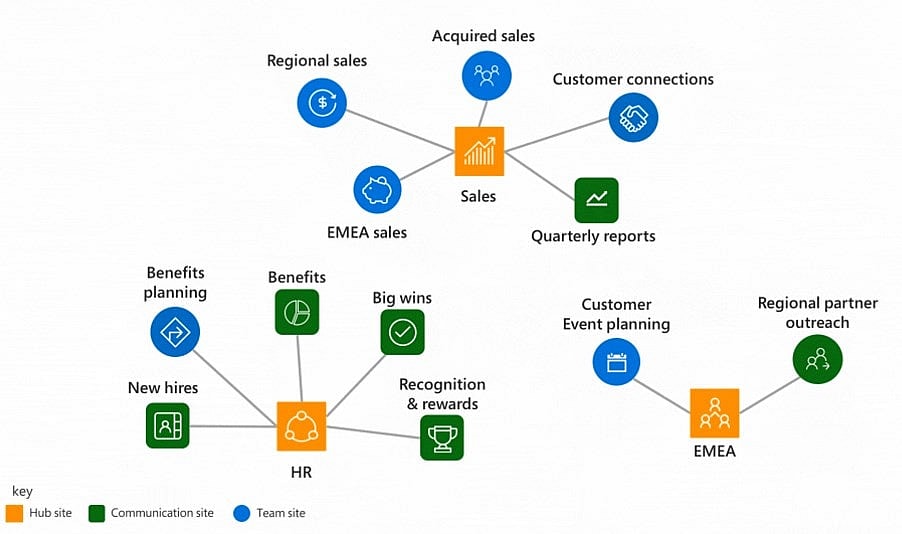
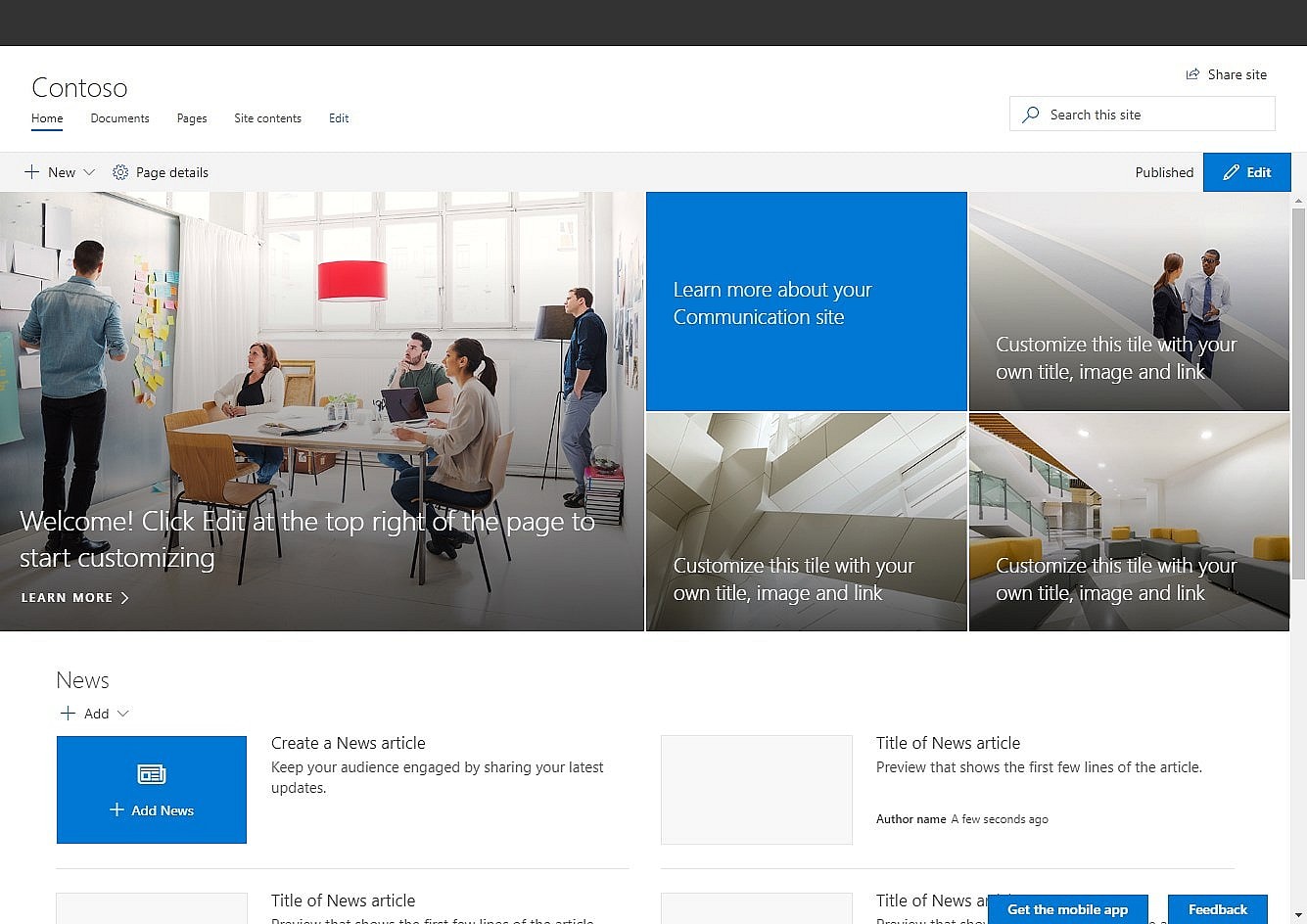
This article explains the current terminology that Microsoft uses around your different pages in SharePoint. Or at least tries to - and do that in a way that's faithful to the current, flat & Modern world.
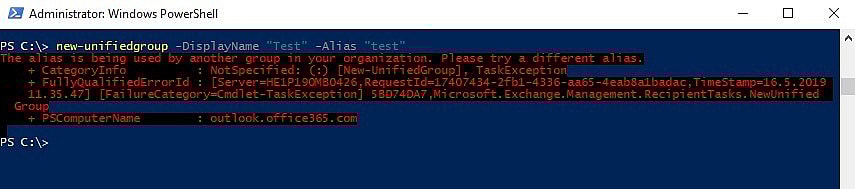
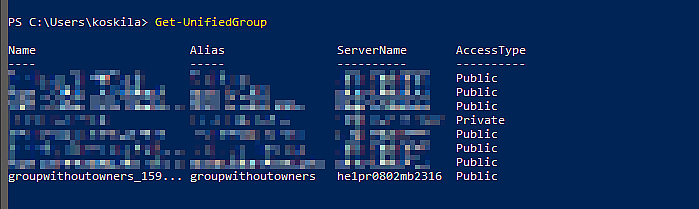
Okay - another simple one. When you're creating a new Office Group (or "Unified Group", as they're called as well), you might get an error for the alias already being used. Pretty simple, but still - let's see how to fix it.
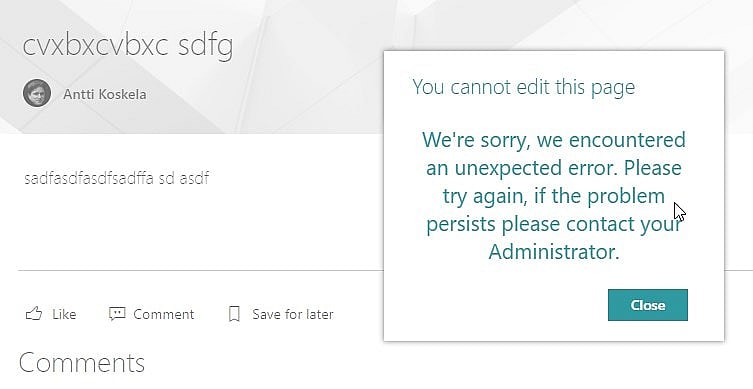
This article describes an error situation that you might run into in Modern SharePoint, where you cannot take a page into edit mode anymore. You only get a strangely generic error message with a kinda weird failed request in the console.
This article explains how to add multiple aliases to one managed property in SharePoint Search Schema Management. Yes, it's possible, just a bit unintuitive! I'll explain the process below.
This post describes a simple way to get around the following error while running Connect-PnPOnline: "The sign-in name or password does not match one in the Microsoft account system.
Modern SharePoint Online recently got a new, super useful and much-requested new feature: a site footer. This little buddy now makes it possible to create informative, stylish and useful footer areas for your intranet sites.
If your customers are anything like ours, some of them love the new modern library view, some will adjust and some just hate it and want to get as far away from it as possible.
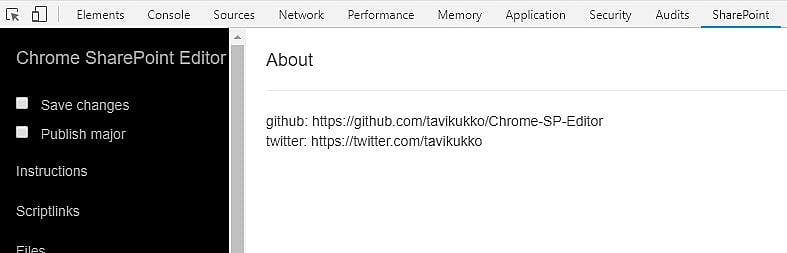
This post is about two of my favorite tools: Chrome SP Editor, and SharePoint Search Query tool. Or maybe better yet, an amalgamation of the two! Description I've mentioned the Chrome SP Editor before, and for a good reason.
Microsoft is gathering all kinds of telemetric data out of the usage of SharePoint. I ran into an interesting JavaScript file, fp.js , on SharePoint Online doing just that and gathering data.
There are a thousand possible things that can throw a "Microsoft.SharePoint.Client.ServerException", but fewer things, that are ambiguous enough to be called "Unknown error".
This article explains how to fix error 2147024891 (or sometimes -2147024891), "System.UnauthorizedAccessException" when accessing functionality in SharePoint that's built on top of SOAP Web Services.
Note : While this was originally posted around the Christmas of 2018, and some company or seller names might not be relevant as scammers come and go, the principles in this blog post seem to be valid from the early 2000s to probably until 2038 (when ...
This was a peculiar case! An issue I hadn't run into before, and luckily a disturbingly simple fix. But first, let's set up the scene: We were running a long-ish PowerShell script using a Global Administrator account.
While running " New-PnPSite " (or actually any other site creation method in PowerShell or programmatically), the site creation fails, and instead you get back an error like the one below: New-PnPSite : {"d":{"Create":{&...
This article applies to a lot of different issues you might be having with your SharePoint-powered site or even custom functionality like mobile apps using SharePoint's search index.
This post describes the status of an ongoing issue in SharePoint Online, where the Managed Property "PictureThumbnailURL" will return null no matter what you do.
First of all: you're right and your eyes are serving you well. It has indeed disappeared. Starting in October, it'll be hidden from end users. Microsoft is retiring the "Site Content and Structure" tool in SharePoint Online.
Every now and then, an API or a method call comes along, that you need to be very careful with. "Microsoft.SharePoint.Client.Web.AddSupportedUILanguage()" seems to be one of them.
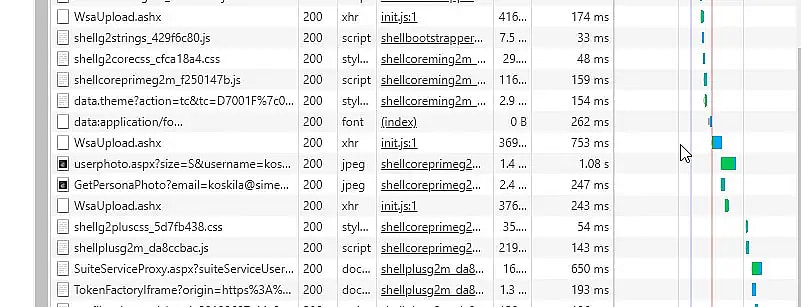
So, I've gotten this question from a lot of customers and partners, and I thought it would be worth clarifying the case a bit. "I'm seeing a lot of requests these requests to WsaUpload.ashx . What do they matter?
I got an error stating that the "Tenant app deployment is only supported in the app catalog site. The current site is not the app catalog site.", even if the current site very much IS an app catalog site? There might be an easy fix!
This is one of the weird issues that you don't really run into in your own development environments, but that you more often run into when you actually have non-godlike permissions.
This article describes the localization/multilingual capabilities of SharePoint, and your options as an organization using it to achieve a seamless and user-friendly experience for your end-users and content editors.
This article explains how to enable custom scripting for any SharePoint site collection. This is functionally equivalent to setting setting "-DenyAddAndCustomizePages 0" or disabling the NoScript feature.
Imagine this: you're using a good old SharePoint blog site, and have a bunch of categories in use. That's nice and easy - SharePoint offers the categorization functionality natively, and it works decently.
Every now and then, something like half of Microsoft's websites will suddenly stop working - this applies to at least Azure Portal , SharePoint Online sites, MSDN forums, Office Online, and probably a thousand other sites.
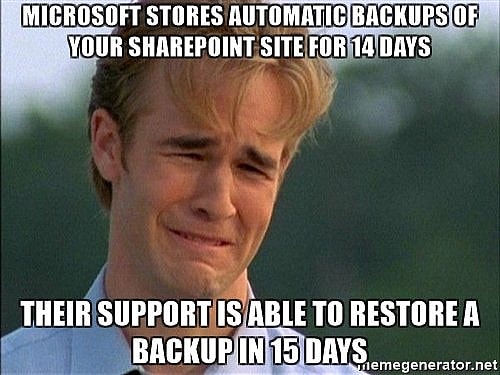
Microsoft keeps 14-day rolling backups of your SharePoint Online sites. That's awesome - no need to take backups anymore, right? Not so fast. It's not always so easy, and by just relying on these backups, you risk losing your data.
Twitter has always been (relatively) good for developers - except for anyone who'd like to embed anything - hence making it possible to interact with their content on other sites than Twitter.
This ages-old trick deserves to be published - since it makes it easy to quickly show info from pretty much any other page on pretty much any Classic SharePoint page (in a SharePoint-compatible pop-up).
Can't access a web part page because of a broken web part? Yeah, that's a classic issue - and it's nicely ported into the Modern world, too! In these cases, web part page maintenance mode comes in handy!
Classic SharePoint actually has a very handy piece of functionality, using which you can hide most of the SharePoint chrome (like header and navigation), and hence make the page a lot sleeker.
A quick heads-up - if you remove the root site (or RootWeb, like it's called in the code) of your classic SharePoint Site Collection, that's going to cause you some grey hairs. It might even, in some rare cases, be unrecoverable!
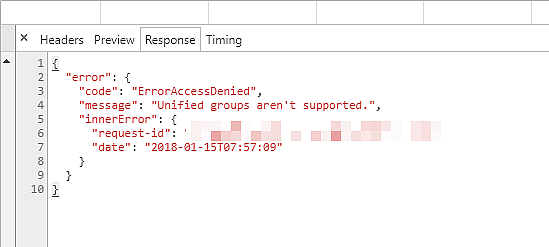
When trying to use some functionality, that relies on Unified Groups, you're getting errors in the console, similar to this: "Unified Groups aren't supported.
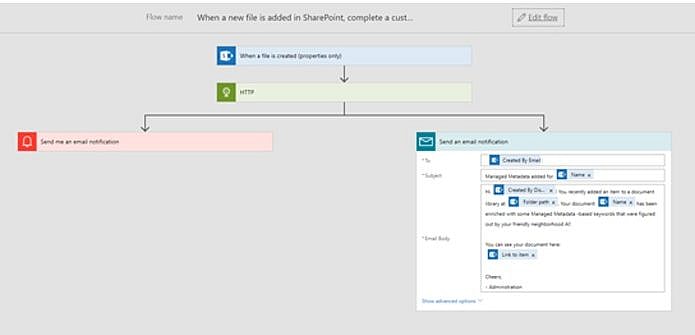
Using Azure Functions and Cognitive Services Text API to enrich a Flow that fills Metadata for new items in a Modern SharePoint Team Site. That's, in a nutshell, the solution I submitted to a recent online hackathon. Quite a mouthful, isn't it?
Localization and targeting of content in multilingual SharePoint installations is always an issue. SharePoint offers a multitude of ways to profile content based on user language (or other properties), but none of the solutions are foolproof.
Office 365 Planner is a neat tool for task management. However, when you, for whatever use case, need to form URLs that point you towards a single task (or a bucket, or a plan for that matter), you might run into trouble with how the URL is formed.
Localization and multilingual environments in SharePoint are an endless source of interesting issues and blog post topics. In one case, we had a tenant created originally in English, and a site collection created in Finnish.
Have you ever noticed that your SharePoint site just gets slower and slower? That's probably because the performance of Structural Navigation is absolutely horrible, especially vs. Managed Navigation.
This post describes one possible scenario for SharePoint-Teams -integration, how to achieve that, and what kind of issues there might be. Teams? What's that?
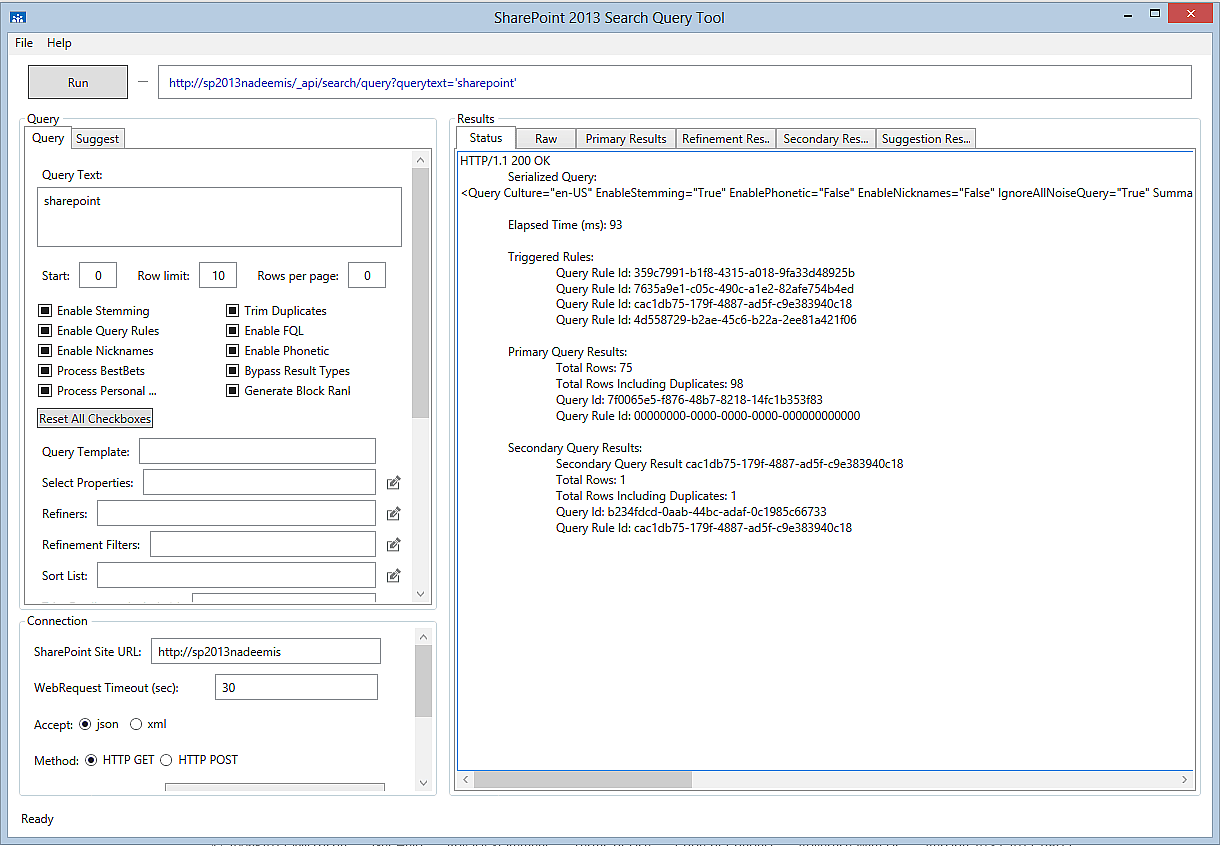
If you're working on SharePoint deployments, and aren't familiar with the SharePoint Search Query Tool, you're probably doing something wrong. Or you've got a really troublefree tenant and simple requirements..
This post describes why it's beneficial to use a user analytics tool in your intranet. I use Google Analytics as an example of such a tool, and different deployment options for SharePoint intranets are covered briefly.
Microsoft is deprecating, or even removing one of the most widely used features in SharePoint sites - Site Mailboxes. For the end-user, this might not mean much but still requires some additional work from the administration side.
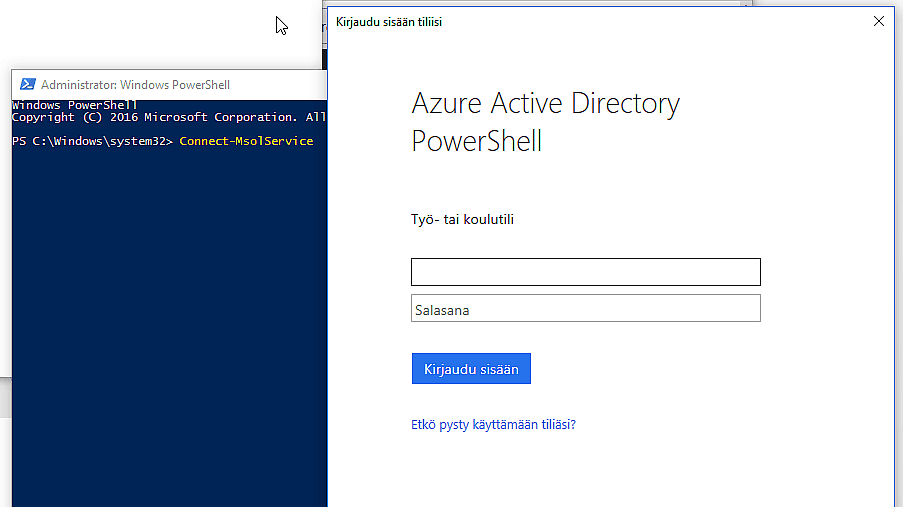
In this post, I'll try to archive everything that you need to download and install to get commandlets like Connect-MsolService working. I've had to do it a couple of times when changing laptops, so it's good to document them somewhere!
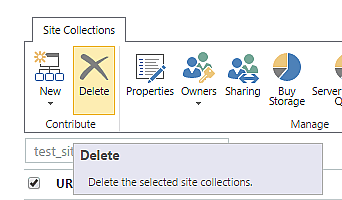
This post describes the actual, working, and the fast process of removing a site collection in SharePoint Online using the Remove-SPODeletedSite commandlet in SharePoint Online Management Shell (a flavor of PowerShell).
In this post, I outline a simple way to stop SharePoint (either on-premises installation or SharePoint Online) from redirecting to Delve or MySites (respectively).
Luckily, SharePoint Add-ins (or App Parts, like they were called earlier) are slowly getting killed and rooted out of all the sites they once were deployed to - and I don't think anyone's going to miss them.
This post describes a peculiar problem that a customer had. In their intranet, all of their employees had a managed metadata -typed managed property in SharePoint User Profile Service and a mapping from that property to RefinableString31.
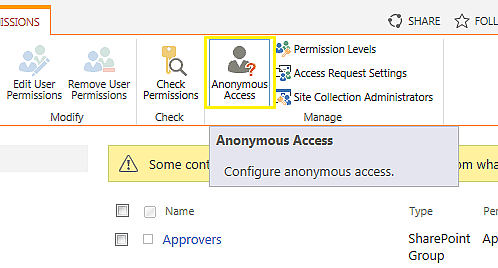
This post is about managing Anonymous Access on a SharePoint site (SPWeb) using PowerShell commandlets. It's often a lot more feasible and even easier than using the browser interface!
SharePoint Server 2013, 2016, and 2019 versions don't have that old and familiar "sign in as a different user" option in the site menu, and for the time being, nor does SharePoint Online .
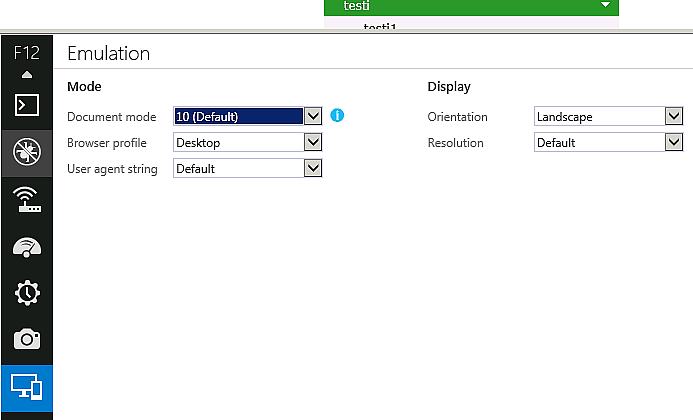
In this post, I describe how you can figure out if IE11 (Internet Explorer 11) has jumped into compatibility mode. You will run into this requirement every now and then when trying to figure out some SharePoint browser compatibility mess-up.
This post describes the easiest (probably) and most straightforward way of creating a new Thread in your SharePoint (or any other .NET) server-side/desktop code.
At times you may need to allow unsafe updates for SPWeb objects in order to get your code to run. This, in SharePoint's C# full-trust code, is done by setting SPWeb.AllowUnsafeUpdates to true.
This post is about fixing one of the most annoyingly unspecific errors that you can get when activating (Feature Framework) features on SharePoint - "File not found" . Whatever that might mean, right? Problem Ugh.