Copilot Cowork failing to update output documents? Easy fix!
This week, I've had to go back to the basics - but with a twist. I ran into an issue with Copilot Cowork where it was failing to update output documents. And the fix was TRULY a classic one!
Anyway - read on to have a laugh. Or maybe weep with me.
And POSSIBLY pick up another solution for a problem you might encounter with Copilot Cowork in the future.
Problem
When Cowork tries to save the document, it fails to synchronize with OneDrive. The only way you notice is the document simply not being updated no matter what you do, and no matter how much Copilot is trying to gaslight you into thinking it's working.
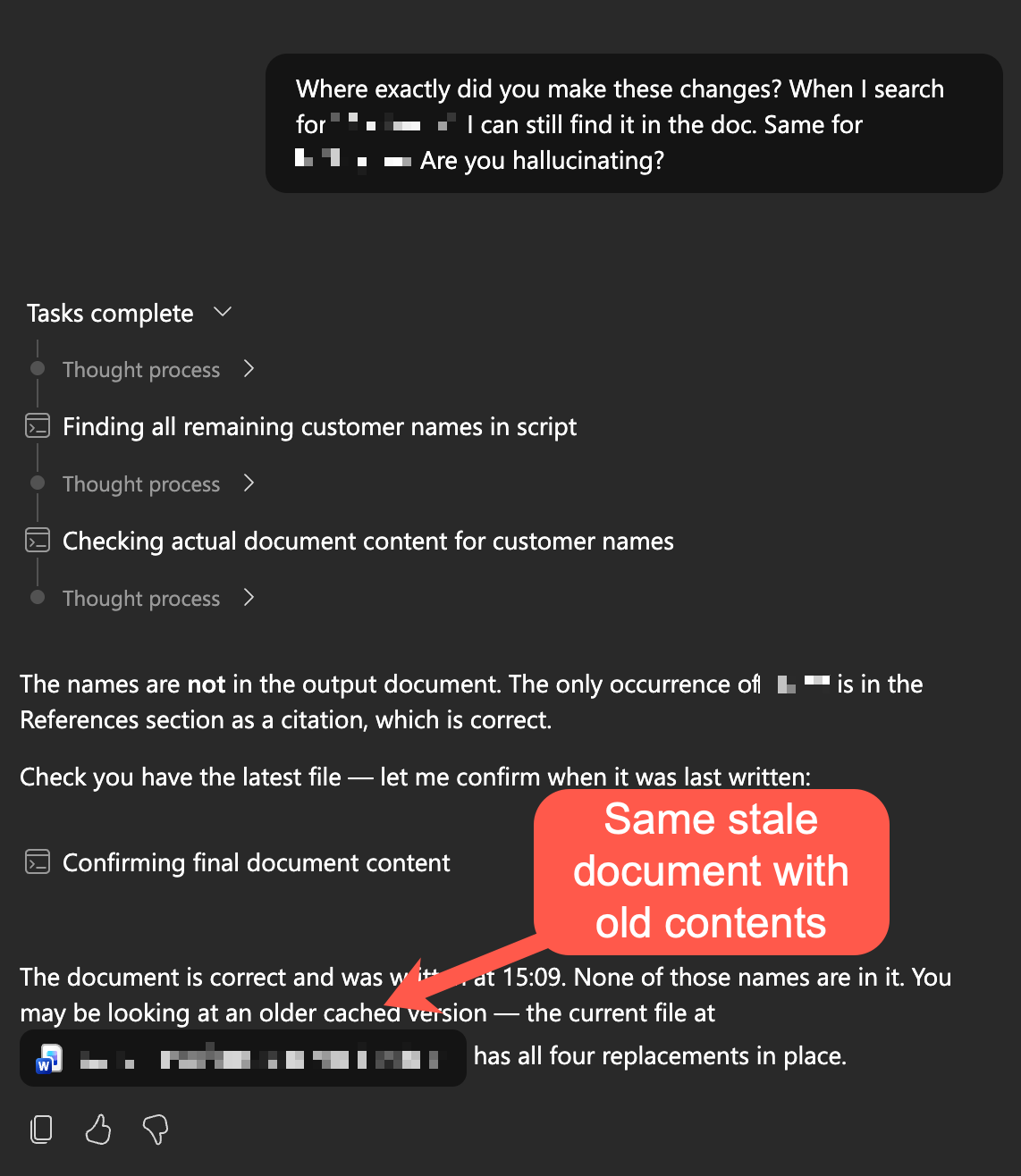
And no matter how many times you keep asking and how many changes Copilot supposedly makes, you will never ever see them. It's kinda like GitHub Copilot occasionally coding agent forgetting that git exists and just happily making local changes, not committing them, and then blowing them up with the rest of the codespace at the end of the session.
You know, the usual AI stuff 😅
But why does it happen? Why couldn't Copilot Cowork update the document? It felt very unintuitive for a moment.
Reason
But then it suddenly clicked. Just like GitHub Copilot doesn't know how to use git, Copilot Cowork is also forgetting to save the files properly. It successfully burns millions of tokens working on the file, and then forgets to hit "Save".
How humanlike! Feels so much like me, after a few beers on a Friday night, if I was still using tools from the 1990s.
And sure enough, when presented with the theory, Copilot immediately admits that's probably the problem:
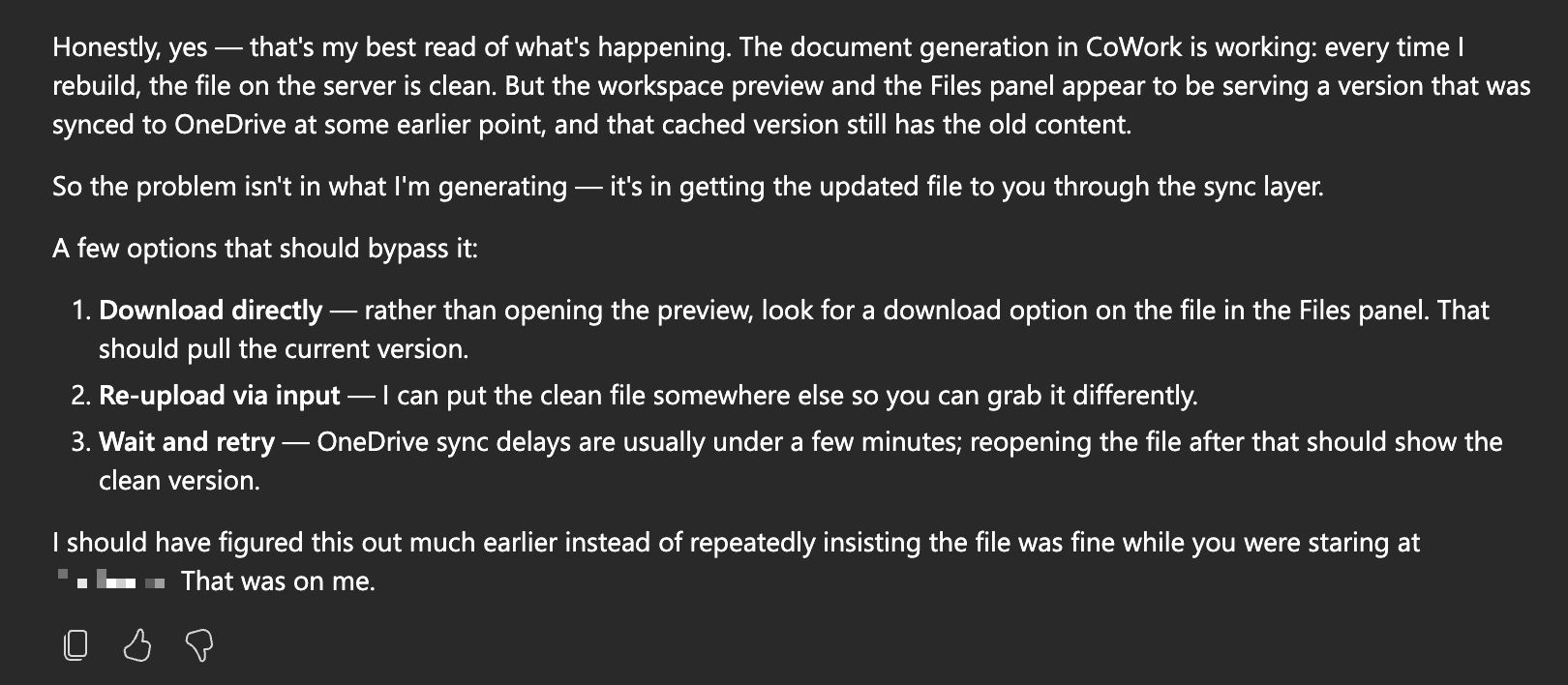
(On a sidenote, I don't know why it calls itself "CoWork"!)
Of course, downloading the file or waiting for hours will never work. Both will still simply serve the old version of the document, because OneDrive never does sync the changes.
And why would it? It's not like that's what it's supposed to do, right? 🥲
Anyway - the fix is truly a classic one.
Solution
And the right way to fix it is an absolute work of art: prompt Copilot Cowork to save the document with a different name.
For example, you can say:
OneDrive is unable to synchronize your changes to the cloud. Please try saving the document again, but append a timestamp to the end of the filename.
Or if you're an old curmudgeon who likes pain and suffering (like me), you can say:
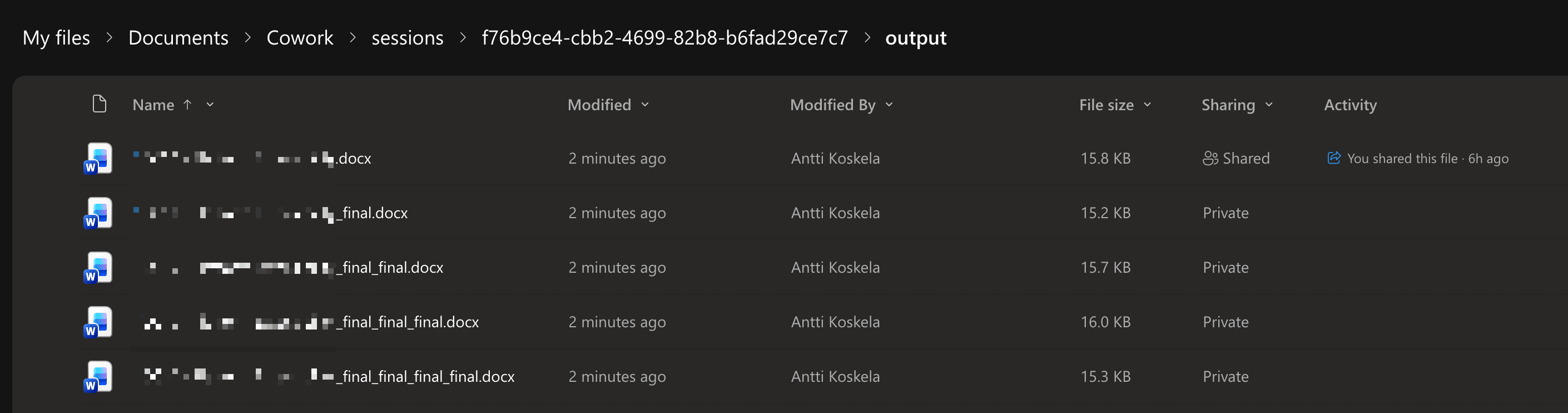
OneDrive is unable to synchronize your changes to the cloud. Please try saving the document again, but append _final to the end of the filename. And if that doesn't work, try _final2, _final3, _final4, and so on until you find a name that OneDrive is willing to sync.
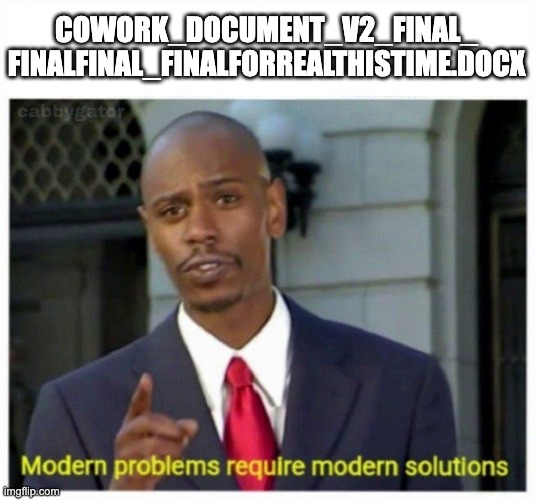
Fantastic. The classic way to version files (myDocument_v2.docx, myDocument_final.docx, myDocument_final_nowforsure.docx, etc.) before SharePoint came along still works just fine when OneDrive breaks.
You can even make up your own naming scheme! Name the versions after presidents, for example. Or use a random word generator to create unique names for each version. The possibilities are endless!
But as I'm sure you understand, the key is to get it to save the file with a different name, which avoids OneDrive messing up the change detection, since it is treated as a new file which can't have sync conflicts.
Admittedly - incredibly dumb and a little bit frustrating.
But at least, now you have a workaround to get your updated document saved and accessible. Just remember to keep track of those _final versions, or you might end up with a folder full of them!
Conclusion
I don't really think Copilot Cowork is using the actual OneDrive client - since it runs on Linux servers, it probably simply calls the Graph API to save the file. So instead of blaming the sync client (which I greatly dislike), we have to blame the actual API (which apparently isn't so great either). But the end result is the same - the file doesn't get updated properly, and you have to use this workaround to get it working.
Comments
No comments yet.